
The yellow pixel radio from our website now identifies OpenWalkieTalkie across the Mac app and handheld. Version 0.2.1 brings one consistent mark to the places you open, connect and update your deck.
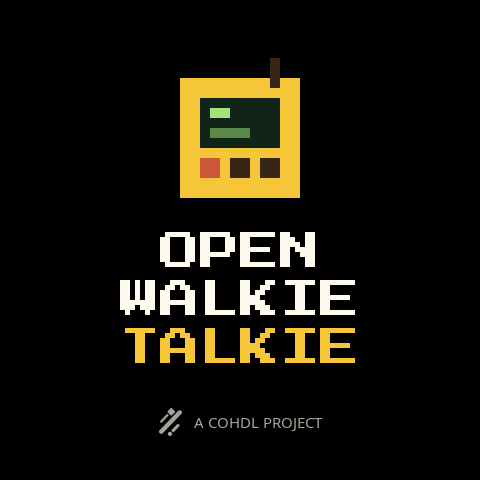
On the deck
The startup screen pairs the radio with the website’s stacked cream-and-gold title. A small COHDL symbol and “A COHDL PROJECT” credit sit below. Settings → About carries the same identity alongside the firmware version and board information.
On your Mac
The app has a new Dock and Finder icon, a monochrome radio in the menu bar, and matching branding in its sidebar, Welcome screen and firmware updater. The menu-bar status badges still show when an agent needs attention. Service → About includes the version and project credit.
Get v0.2.1
Use Check for Updates in the Mac app or download the signed and notarized package for Apple Silicon or Intel. macOS 13 or later is required.
Connect the deck by USB and open Service → Updates to install the matching Rev A or Rev B firmware.